Crib
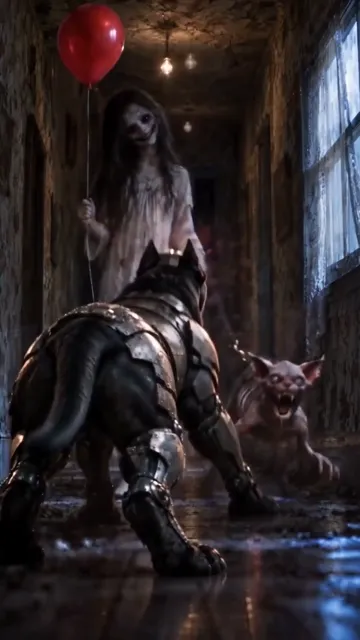
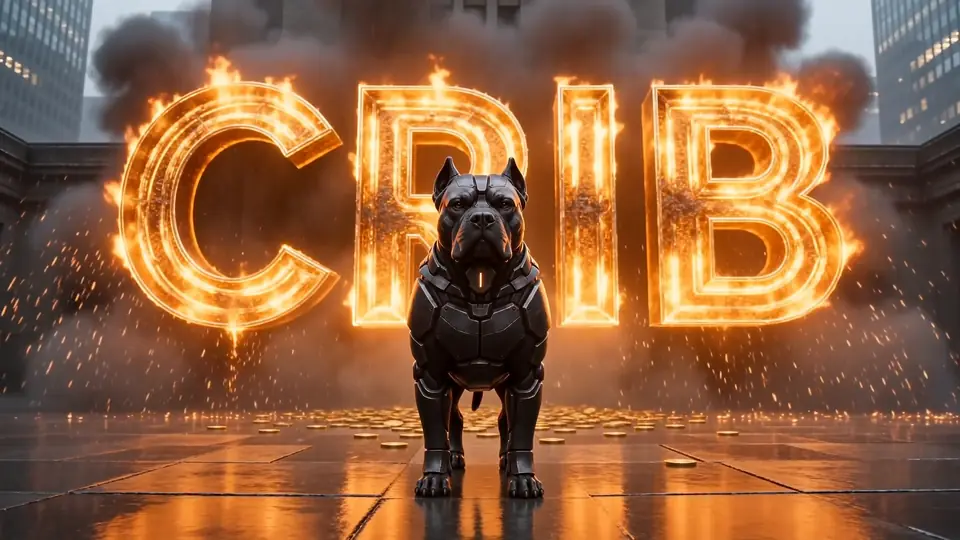
From Crib's opening film: the armoured Cane Corso standing guard on wet stone, the word Crib burning behind him.

Crib crib sheet
for your stash

Private crypto portfolio tracker for Windows

A private desk for the crypto you already own.

See what you hold, what you paid, and the multiple since you bought — on your own computer, with no account and no keys.

For Windows PCs. On a phone? Copy the Microsoft Store link and open it on your PC. Android is in the works.

Three promises

Your holdings never leave your machine.

01

It runs on your computer.

There is no Crib server, no account, no sign-up, no analytics, no advertising and no telemetry. Your holdings, costs and notes never leave your machine. Add a wallet and its address goes to that chain’s public services, only after you agree.

02

It cannot touch your money.

Crib never asks for a private key or a seed phrase and has nowhere to store one. It reads public blockchain data, and it has no way to move funds or place an order.

03

It tells you what it doesn’t know.

A coin with no price says so instead of showing zero. A price two sources disagree about is kept out of your totals. A cost you estimated is labelled as an estimate. Every number on a card can show you where it came from.


The desk

Paste a wallet. Your coins land as cards.

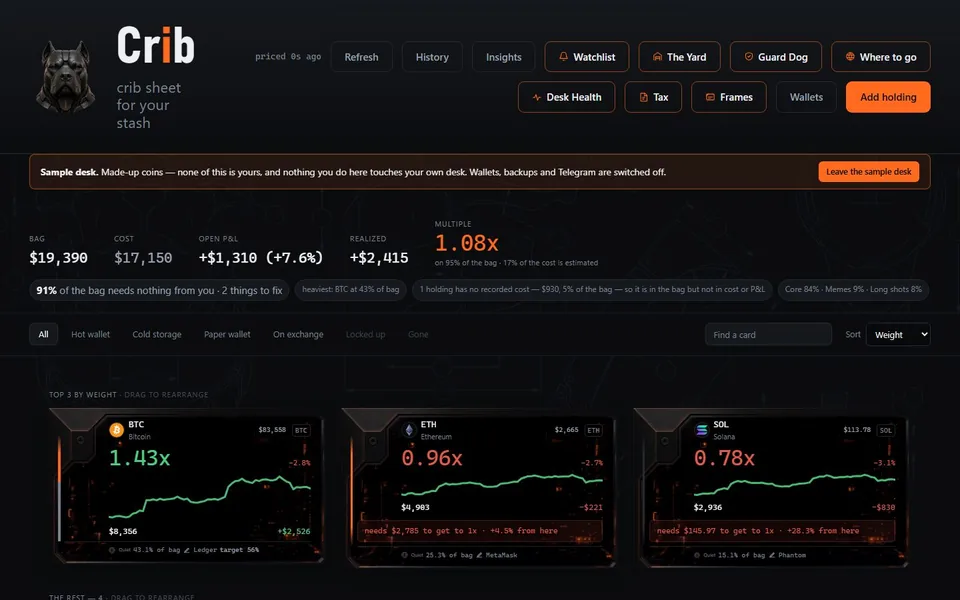
Crib is a desk for the crypto you already own. Paste a wallet address and your coins land on the desk as cards: what you hold, what it’s worth, what you paid, and the multiple since you bought — the loudest number on each card, by design.

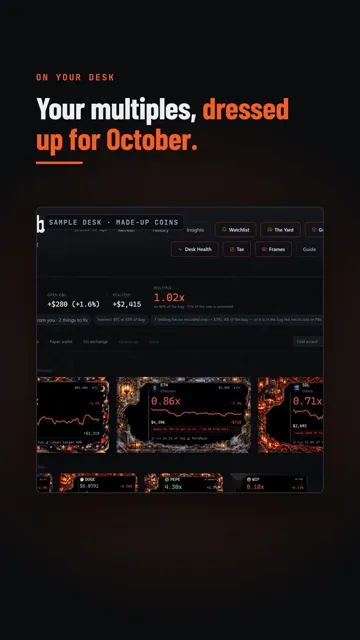
The Crib desk on the sample desk: a masthead with the Cane Corso mark, totals for bag, cost, open and realised profit, and three coin cards for BTC, ETH and SOL in machined frames, each led by its multiple.
Your coins as cards: what you hold, what you paid, the multiple.Sample desk

What you paid

The multiple, front and centre.

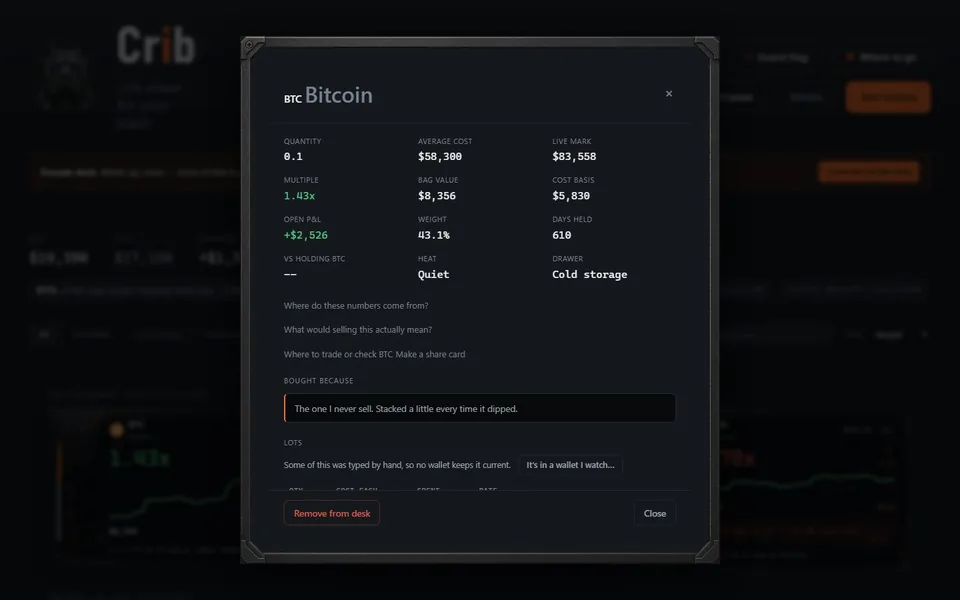
Crib reads a wallet’s history to work out what each coin cost, and says plainly which costs it read and which it had to estimate.

  • The multiple since you bought, front and centre on every card.
  • Every number shows where it came from.
  • A cost you estimated is labelled as an estimate.
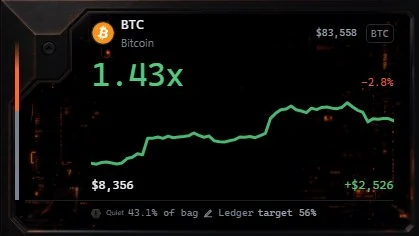
A sample card opened up: Bitcoin's quantity, average cost, live mark, multiple of 1.43x, bag value, cost basis and open profit, with links to where the numbers come from.
Every number shows where it came from.Sample desk

Wallets and chains

Paste an address. Crib reads it.

Ethereum and the chains built on it, Solana, Bitcoin, Litecoin, Dogecoin, XRP, Cardano, Tron, TON and Sui.

  • Junk that strangers airdrop to your wallet is set aside, not added to your desk.
  • Coinbase and Kraken exports can be imported too.

The 24 blockchains

  • Ethereum
  • Base
  • Arbitrum
  • Optimism
  • Polygon
  • Avalanche
  • BNB Chaintop tokens
  • Unichain
  • Scroll
  • zkSync
  • Blast
  • Lineatop tokens
  • Berachaintop tokens
  • Robinhood Chain
  • PulseChain
  • Solana
  • Bitcoin
  • Litecoin
  • Dogecoin
  • XRP
  • Cardanoown coin only
  • Tron
  • TON
  • Sui

On BNB Chain, Linea and Berachain no free service lists an address’s tokens, so Crib reads the chain’s own coin, checks its most-traded tokens and the ones already on your desk, and says so; add any other by pasting its contract. On Cardano, Crib reads the coin itself.

Tax

Realised gains, by tax year.

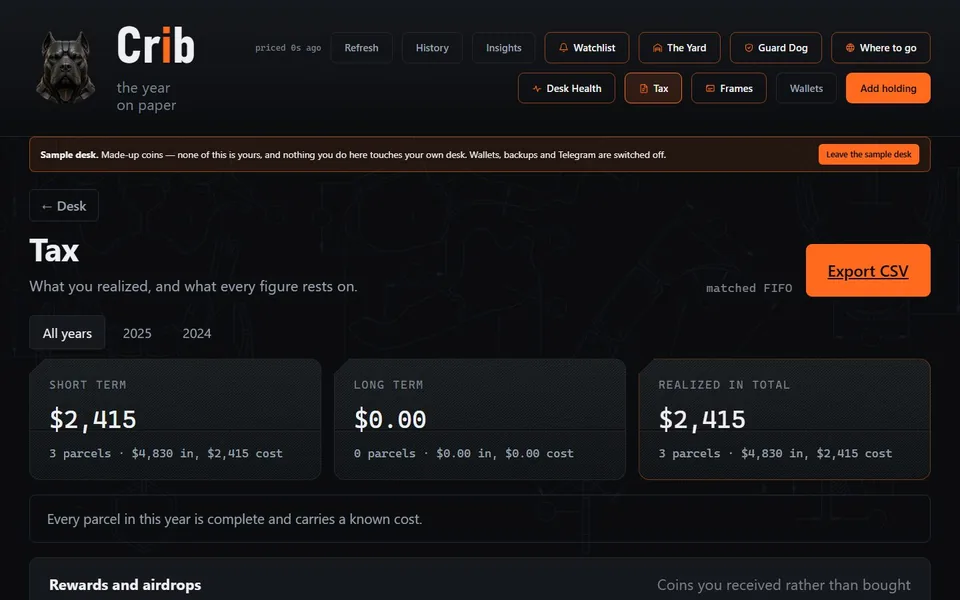
Realised gains and losses for each tax year, first in, first out unless you choose another method — and the app explains when the IRS accepts one.

Form 8949

Form 8949 lines

With the digital-asset boxes: G, H and I for short term, J, K and L for long term.

1099-DA

A 1099-DA checker

Compares a broker’s Form 1099-DA with your own records.

Income

A rewards and airdrop log

Counts free coins as income.

Losses

A loss finder

It states the limit: a net capital loss offsets up to $3,000 of ordinary income ($1,500 married filing separately), and the rest carries forward.

Records, not advice. Crib’s tax pages are reports and records to take to your tax preparer or your own filing. They are not tax advice. Crib’s tax reports follow United States rules. Wherever else you live, the Tax page says so and keeps a full record of every sale and what it cost.

The Tax page on the sample desk: tabs for all years, 2025 and 2024, with short-term, long-term and total realised gains, and a line saying every parcel in the year carries a known cost.
Realised gains by year, and what each figure rests on.Sample desk

Protection

See what your wallets have allowed.

Guard Dog

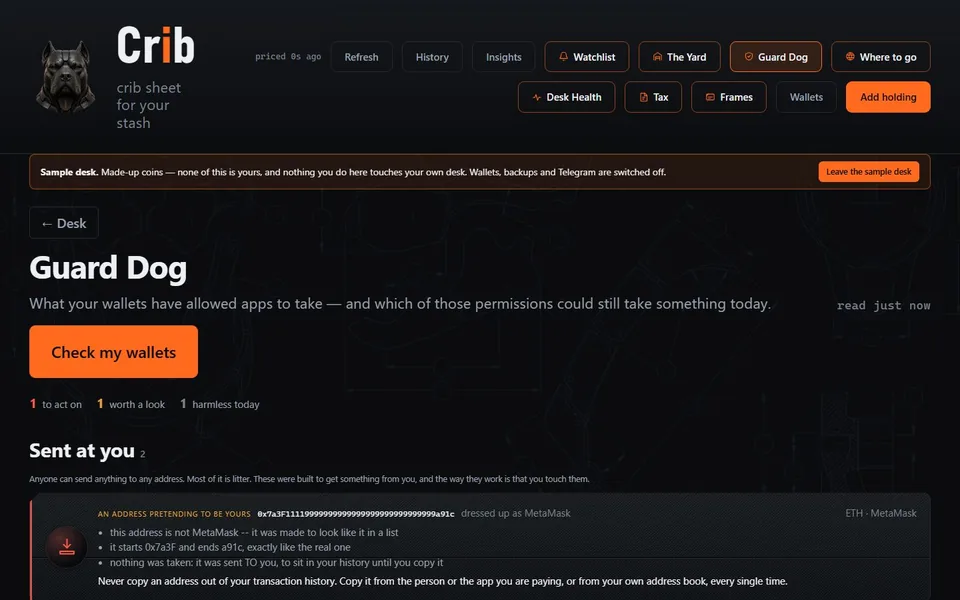
Guard Dog shows which apps your wallets have allowed to move your tokens, and flags junk sent to your wallets on purpose — including look-alike addresses planted to trick you into copying the wrong one.

Guard Dog on the sample desk: a Check my wallets button, counts of what to act on, and a Sent at you warning about an address made to look like the owner's own.
See what your wallets have allowed, and what was sent to trick you.

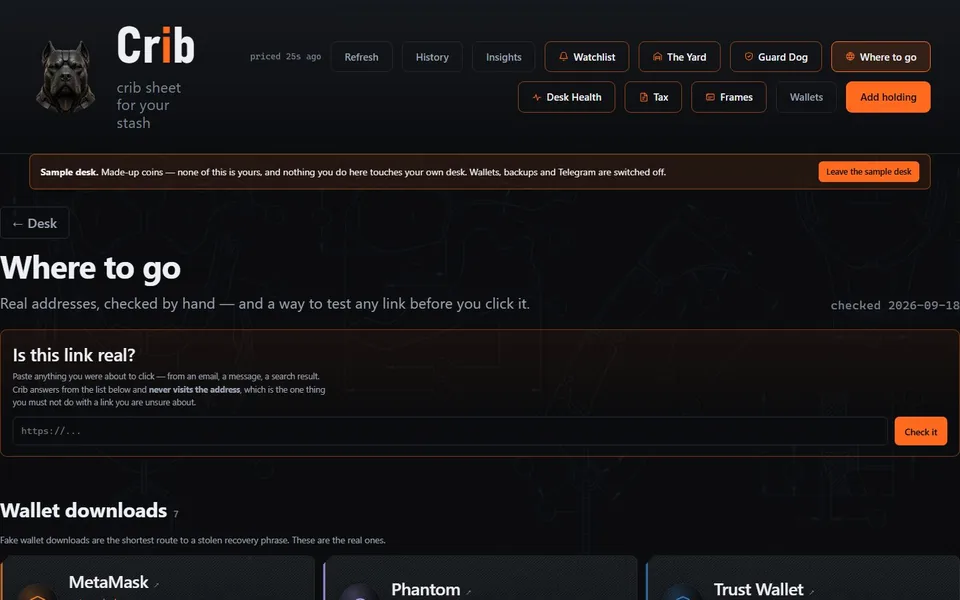
Where to go

Where to go lists the real addresses of exchanges and apps, and tests a link before you click it. The link checker answers from that list alone — it does not fetch the address you paste.

Where to go: an Is this link real? box for testing a link, and a list of wallet downloads with their real addresses.
The real addresses, and a way to test a link before you click it.

And the rest of the crib

The rest of the desk.

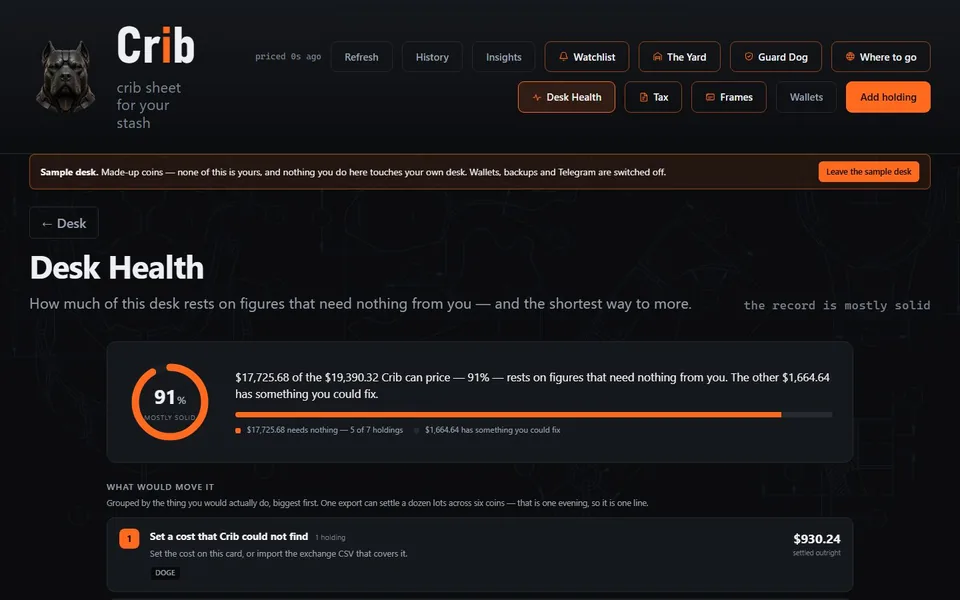
Desk Health

How much of your desk you can stand behind.

Desk Health says how much of your desk rests on figures that need nothing from you, and lists what would improve the rest. It contacts nothing: it only adds up what Crib already wrote down.

Desk Health on the sample desk: a 91% mostly-solid gauge, the share of the desk that needs nothing from the owner, and a list of what would move it.

The Legacy Kit

What your family needs. No secrets on it.

A printed sheet that tells your family what you hold and where to find it — without a single secret on it. The few things only you know are printed as ruled lines to fill in by hand.

And

More on the desk.

  • Before you sellWhat a sale would bring in, and what waiting would change.
  • The YardThe NFTs and game items in your wallets.
  • Targets and alertsWith optional Telegram messages.
  • ImportsCoinbase and Kraken exports.

Frames

Cards wear frames.

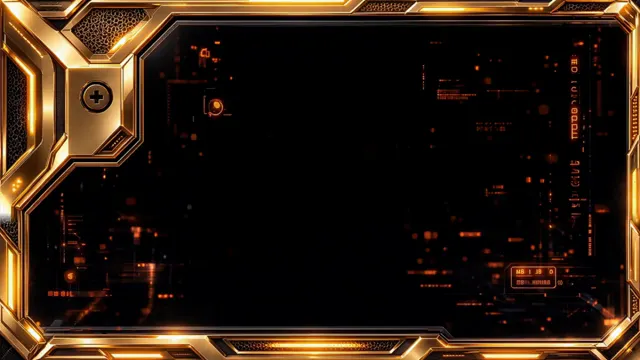
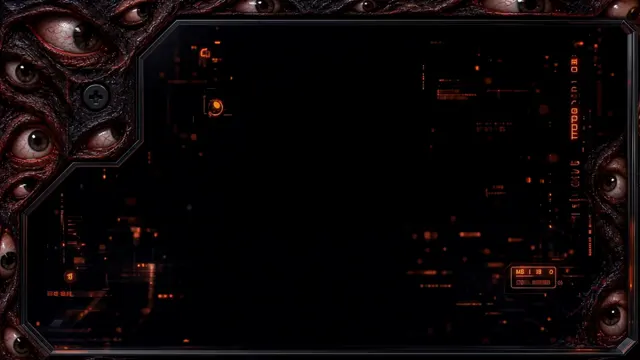
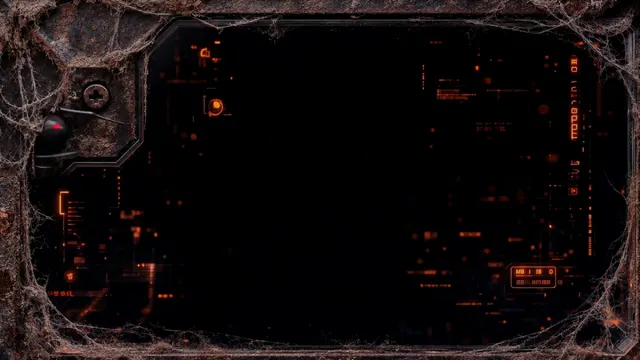
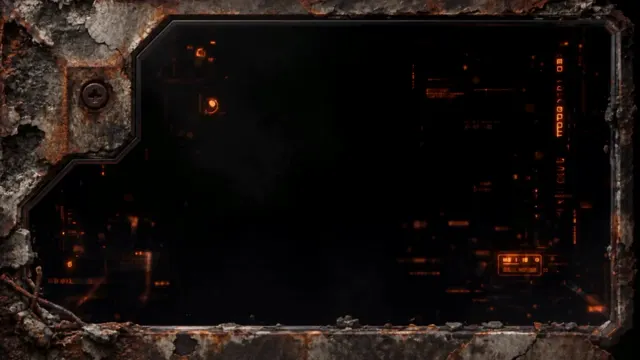
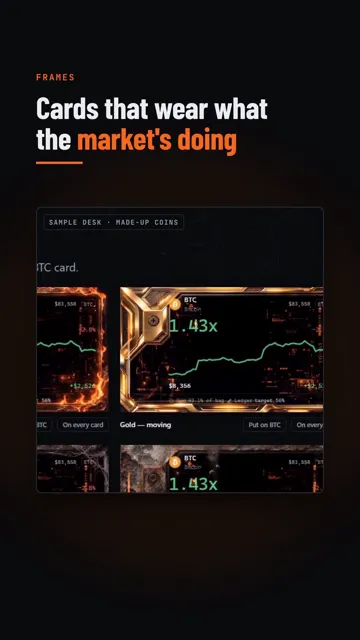
Cards wear frames: more than 200 of them, 64 that move, from fire to rose quartz. Fresh frames every month, free for members. With effects on, a card’s frame follows what the coin is doing.

Five of the moving frames

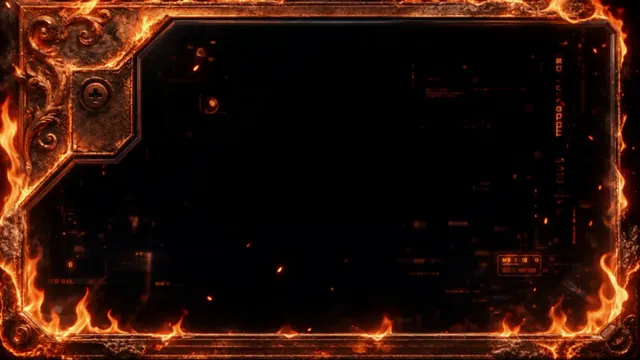
The Fire moving frame, still.
FireMoving
The Gold moving frame, still.
GoldMoving
The Eyeball moving frame, still.
EyeballMoving
The Dusty moving frame, still.
DustyMoving
The Apocalyptic moving frame, still.
ApocalypticMoving

A sample of the still frames

Frame


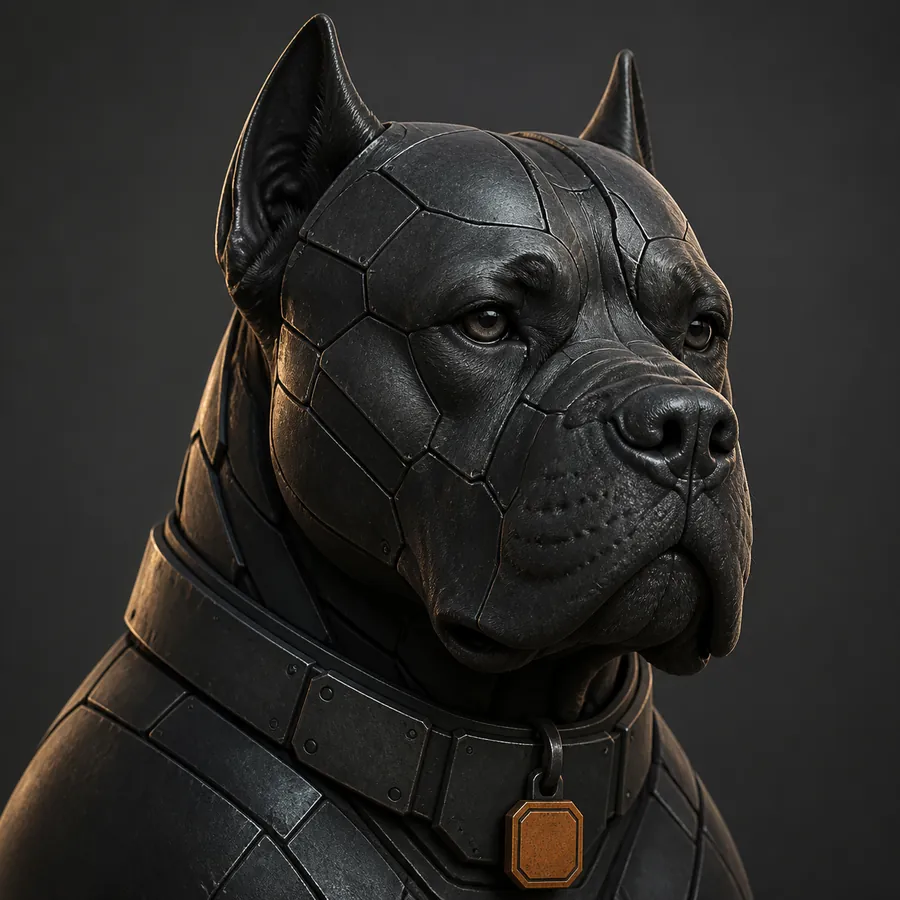
Crib's mascot in three-quarter profile: an armoured Cane Corso in blackened steel plating, heavy-jowled, with an orange-slit tag on his collar, looking past the camera.

The Cane Corso

The mascot

He is not excited about your bags. He watches the door.

Unimpressed, patient, permanently unbothered. He will not tell you the memecoin is going to make it.


Privacy

Local only, and it says exactly what that means.

No account.

No account and no sign-up. Iron Kennel, the publisher, receives nothing from your copy of Crib. The Microsoft Store version never checks for updates itself: the Store keeps it up to date.

No server.

There is no Crib server. To delete everything Crib knows about you, uninstall it and delete its folder: there is nowhere else.

No telemetry.

No analytics, no advertising, no telemetry — not a crash report, not a count of how often you open it.

No keys.

Crib never asks for, and cannot store, a private key or a seed phrase. It has no ability to move funds or place an order.

“Crib does not poll. It does not read your wallets on a timer. It reads them when you press the button, and when you open the app — but only after you have agreed to wallet reads, which Crib asks you first.”

— Crib’s privacy policy

Crib is a price and blockchain reader, so it does ask public services for prices and for what a wallet holds. The privacy policy names every one of them, what each is sent, and when — because “local only” on its own would be a slogan rather than a disclosure.

Read the privacy policy


Questions

Short answers.

Does Crib upload my holdings anywhere?

No. Your holdings, costs and notes never leave your machine. Price and blockchain services are told what to look up, never how much of it you own. The one exception is yours to make: if you turn on Telegram alerts, Crib sends the portfolio figures you choose to Telegram. The privacy policy lists every service Crib contacts.

Can Crib move my coins?

No. Crib never asks for a private key or a seed phrase and has nowhere to store one. It reads public blockchain data, and it has no way to move funds or place an order.

Where can I download it?

Crib is on the Microsoft Store, listed as Crib Crypto Portfolio, from Iron Kennel. The desk is free to download: get it here.

Is it tax advice?

No. Crib’s tax pages are reports and records — realised gains by tax year, Form 8949 lines, a rewards log and a 1099-DA checker — to take to your tax preparer or your own filing.

All questions

Get Crib

Free on the Microsoft Store.

Crib is a Windows PC app. Download it from the Microsoft Store and open your desk. The free desk covers one wallet, three watched coins and every token in them. Crib Full adds more wallets and watches, the tax exports, the Legacy Kit printout and frames, for $5.99 a month or $49.99 a year in the US. Questions go to the kennel.

Get Crib on the Microsoft Store

woof@getcrib.app

Listed there as Crib Crypto Portfolio, from Iron Kennel.

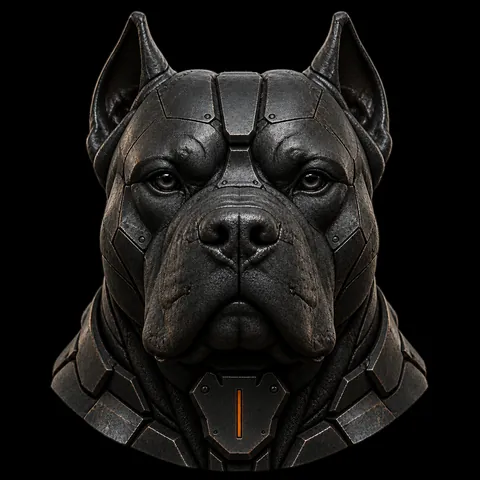
The armoured Cane Corso's head, head-on, with the orange slit of his collar tag glowing.